
MyeloAID

MyeloAID — AI-assisted cell classification for bone marrow smears

MyeloAID automates the morphological differentiation of bone marrow smears, turning a manual, time-consuming process into a swift guided review. It produces a detailed, reproducible bone marrow differential in seconds and works with the hardware you already own.

Our edge

Built on the right expertise and the right data

Built by people like you

MyeloAID is designed by hematologists and MTAs, for hematologists and MTAs. We make sure the software fits how labs actually work instead of forcing a new routine.

Trained on the right data

Our models learn from curated, proprietary datasets of healthy and diseased bone marrow from leading German hematology centres, labelled by over ten morphology experts.

How it works

How MyeloAID fits your lab workflow

MyeloAID never runs on its own. It does the heavy counting, and a human expert always reviews and approves the result. It is also hardware-agnostic: upload images from the microscope camera or scanner you already have to the Cancilico cloud platform, and MyeloAID returns a structured bone marrow differential and a PDF report you can link back to your LIS. Pick the workflow that matches how your hematology service works today.

AI-generated illustration of a microscope fitted with a camera capturing fields of viewHybrid

Microscope camera

Keep working at the eyepiece. Your operator pans the slide and captures fields of view, and MyeloAID analyses the morphology as you go. It is a familiar way to work, with low up-front cost and a quick start. A good fit for low to medium volumes. No camera yet? We can advise and set you up with one for the best experience.
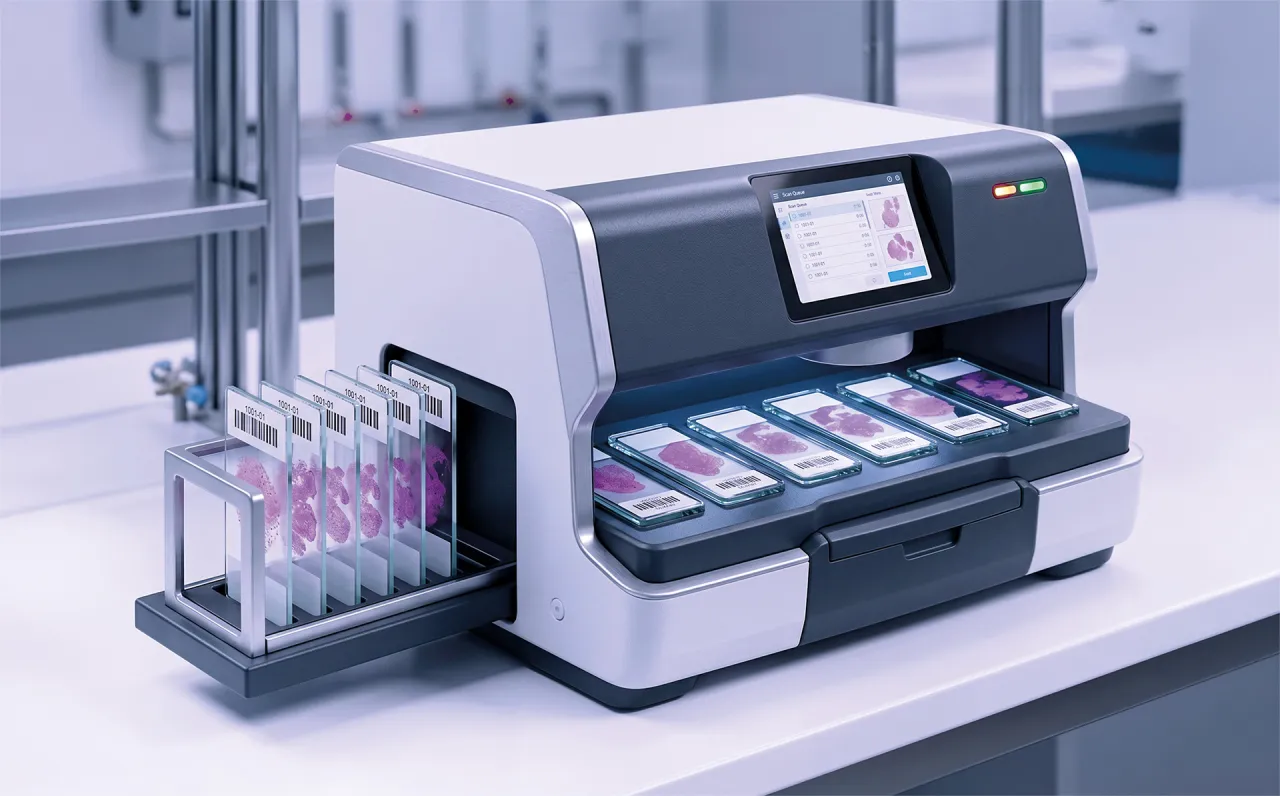

AI-generated illustration of a whole-slide scanner digitising slides in batchesFully digital

Whole-slide scanner

Scan slides in batches and let MyeloAID run across the whole slide. It automatically selects regions of interest for you to accept or override. The results are reproducible, it scales to large teams, and it supports remote review. A good fit for high-volume hospitals and reference labs.

Either way, you get the same structured bone marrow differential and PDF report. We validate MyeloAID against common scanners and image formats, so for supported hardware new cases can land in the platform automatically. Tell us your scanner model and case volume, and we’ll tell you what to expect.

AI-generated portrait of a laboratory technician reviewing a bone marrow smear at a camera-equipped microscope

For lab technicians

MyeloAID does not replace you. It takes the bulk of the repetitive counting off your hands, so you can focus on the difficult cases that need a trained eye. You stay in the driver’s seat: review what the AI proposes, and change the analysed regions or cell classes whenever your expert judgement says otherwise.

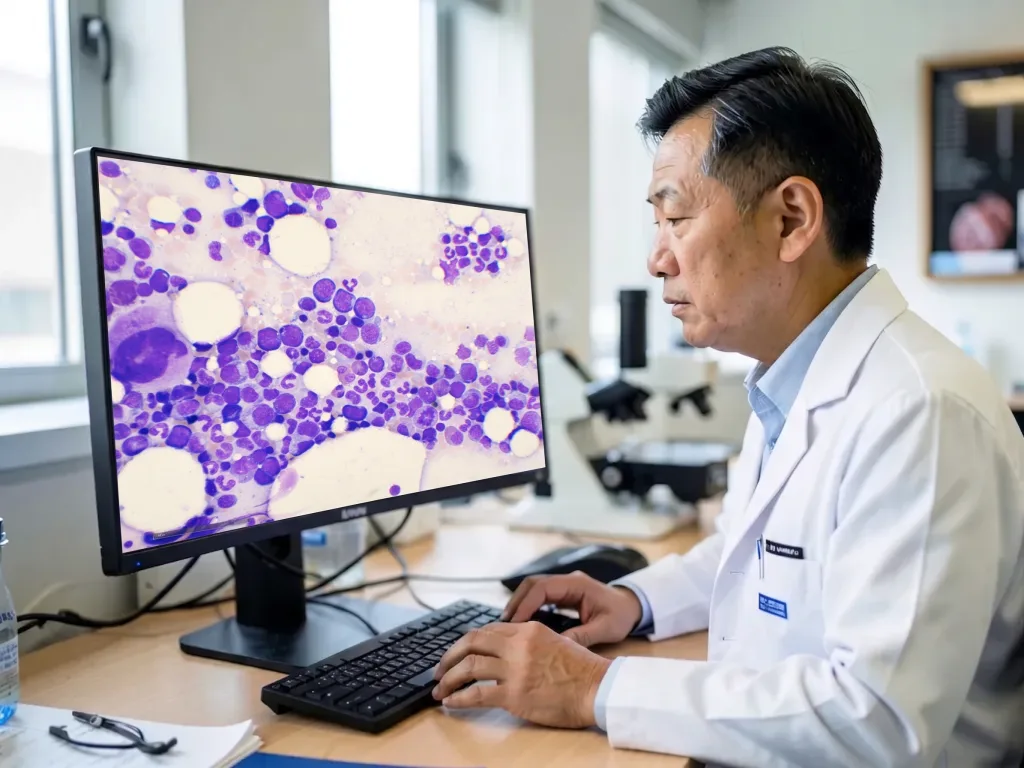
AI-generated portrait of a hematologist reviewing digital microscopy slides on screen

For hematologists & hematopathologists

Manual differentials are slow, and two readers, or the same reader on two different days, can score the same slide differently. MyeloAID applies the same criteria every time, so it reduces inter- and intra-reader variability and gives you reproducible cyto-morphological analysis. You still own the diagnosis; the AI accelerates the counting so you can spend your time on interpretation and treatment decisions.

AI-generated portrait of a laboratory director in a modern hematology lab

For lab directors

Because MyeloAID works with the imaging hardware you already own, you can add AI-assisted morphology without buying a six-figure scanner. It helps you control costs and take on more cases as demand grows, while keeping your reporting consistent across the lab.

Regulatory status

MyeloAID is currently available for research use only (RUO); not for use in diagnostic procedures. We are working toward IVDR and FDA clearance.

Frequently asked questions

What labs ask about MyeloAID

Does MyeloAID make decisions without human review?

No. MyeloAID assists with cell counting and classification. A trained professional reviews the proposed regions and cell classes, makes corrections where needed, and remains responsible for the result.

Do I need a specific microscope camera or scanner?

No. MyeloAID is hardware-agnostic and works with almost any microscope camera or whole-slide scanner that can export a standard image file. In most cases, your lab can keep its existing imaging setup — there is no proprietary six-figure analyser to buy. Send us your hardware model and file format, and we’ll confirm compatibility.

How do the microscope camera and whole-slide scanner workflows differ?

With a microscope camera, the operator captures fields of view while working at the microscope. With a whole-slide scanner, slides can be digitised in batches, enabling automated region selection and remote review. Both workflows produce the same structured differential and PDF report.

What results does MyeloAID produce?

MyeloAID produces a structured bone marrow cell differential and a PDF report.

Where is image data processed?

By default, image data is processed in the Cancilico cloud platform, hosted in Hetzner data centres in Germany. MyeloAID is also available as a hybrid or on-premises deployment for laboratories that require analysis to stay inside their own network. The setup and data flow are agreed with each laboratory before onboarding.

What is the regulatory status of MyeloAID?

MyeloAID is currently available for research use only and is not for use in diagnostic procedures. Cancilico is working toward IVDR and FDA clearance.

What happens when I request a demo?

We start with a 45-minute online demo session using our digitised bone marrow samples and answer clinical, technical, and regulatory questions. Next, you can provide a selection of your own pseudonymised sample images. In a second session, we review MyeloAID’s results with you to give an initial indication of how the model performs on your samples. If MyeloAID looks like a fit, we can set up a one-month pilot on our cloud platform so your team can evaluate how it fits into your lab workflow.

Bring AI-assisted morphology to your lab

Tell us your scanner model and case volume, and we’ll show you what MyeloAID can do on your own slides.